This site keeps track of everything we play on the Big 64 for the last seven days. Handy and very easy to use. Check it out!
]]>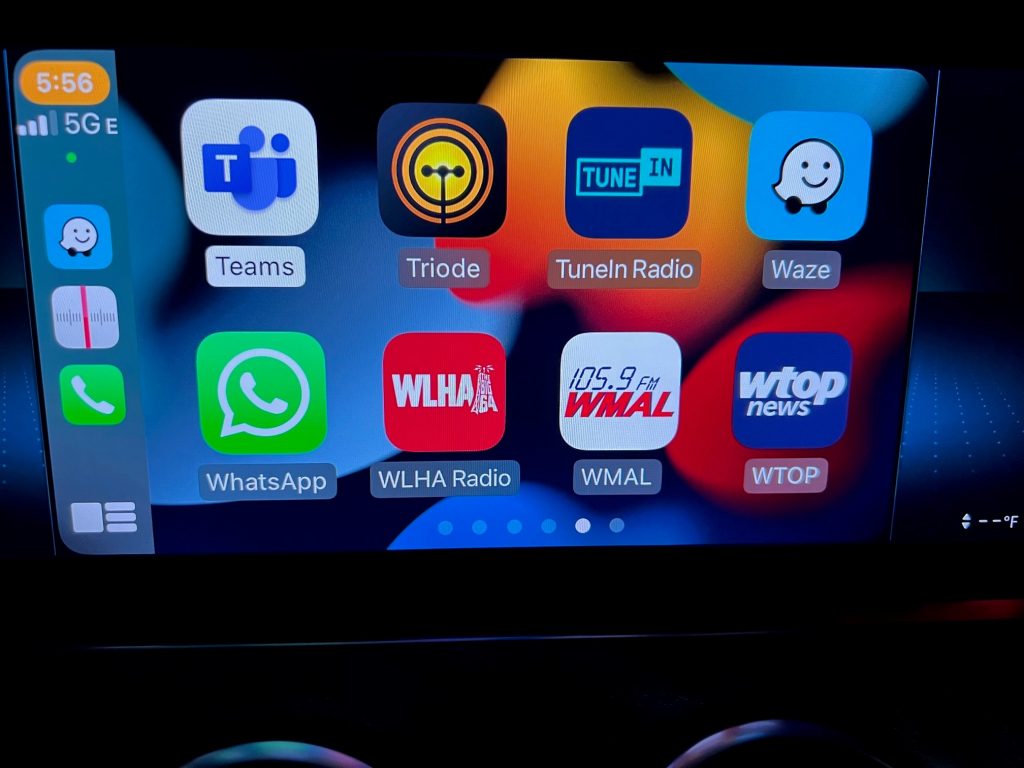
There we are right next to WMAL and WTOP (the highest billing radio station in America!) If you don’t see WLHA on your CarPlay dashboard be sure to update the WLHA app to the newest build.
When you press the WLHA button you will be presented with the “now playing” screen complete with album art:
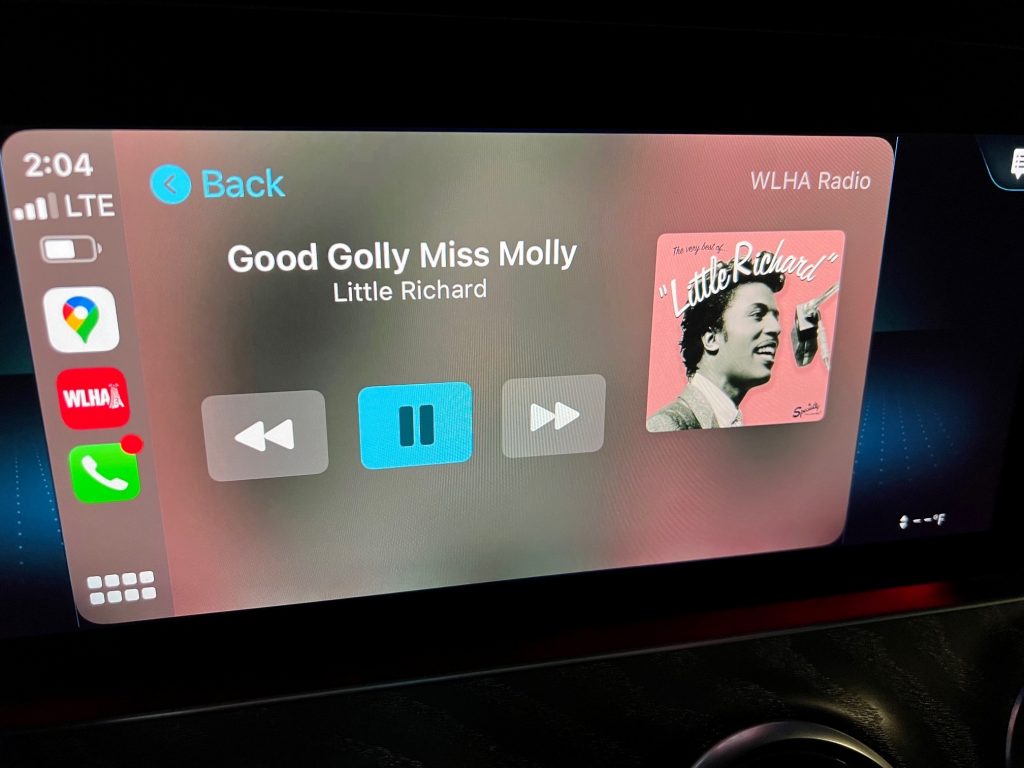
On some cars there is also a secondary display by the main dashboard (in case you want to use the main screen for navigation or other purposes).
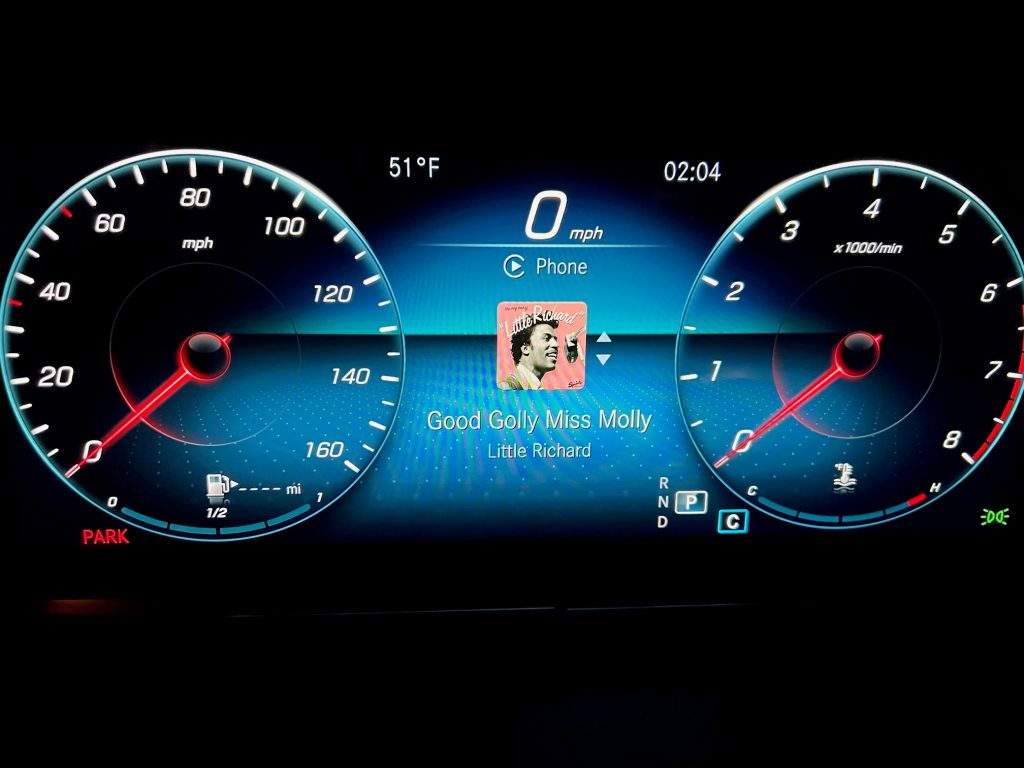
As our highly paid consultants keep telling us, WLHA needs to be on every possible platform, so this is another major step toward achieving that goal. Remember you can now hear WLHA on Alexa, Google Home, iPhone, iPad, Android, Apple TV, Apple Watch, your computer and now Apple CarPlay. Who knows what will come next – maybe an actual AM radio station?
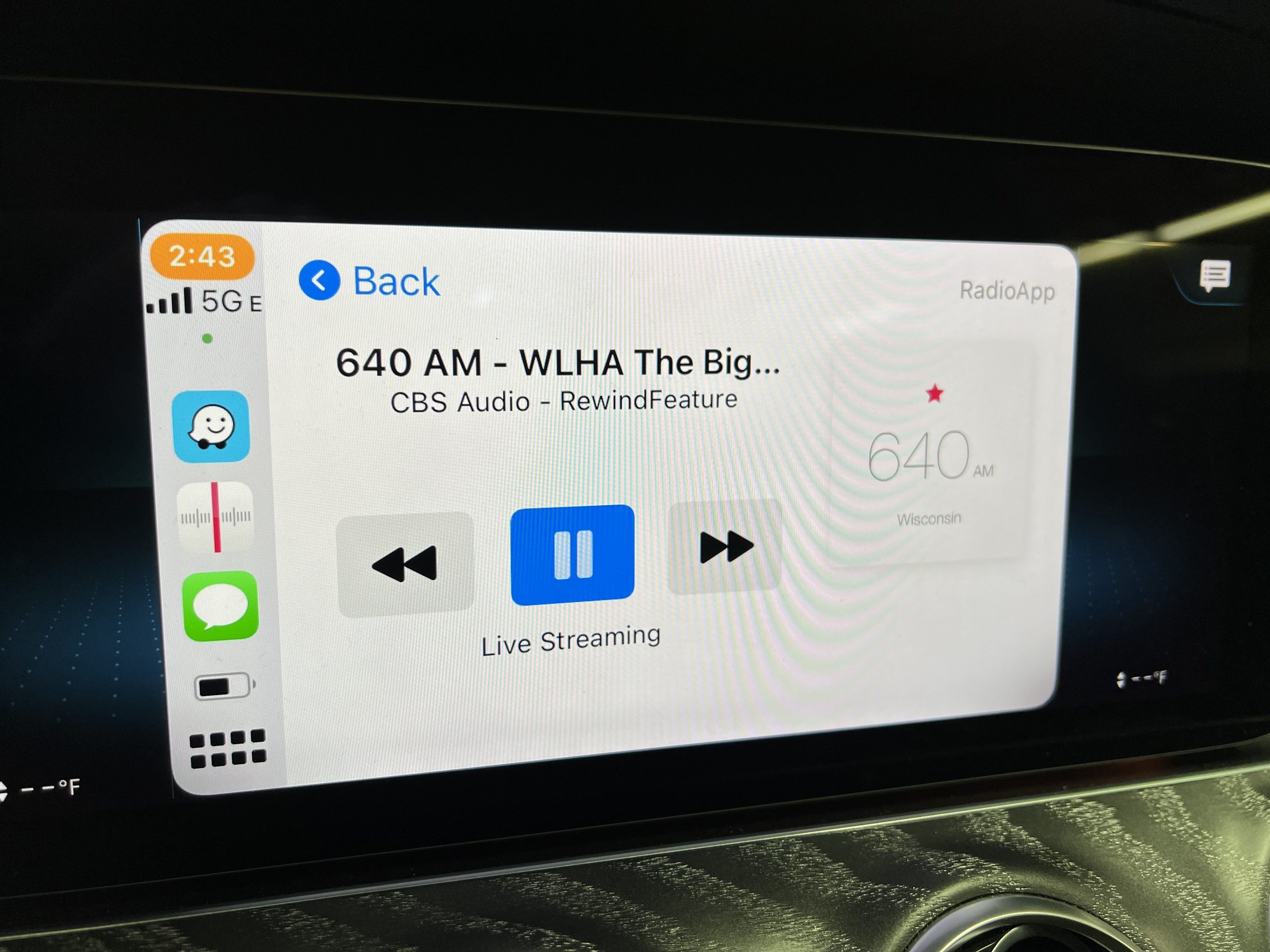
]]>In this video we see what happens if you tune the Wisconsin radio dial:
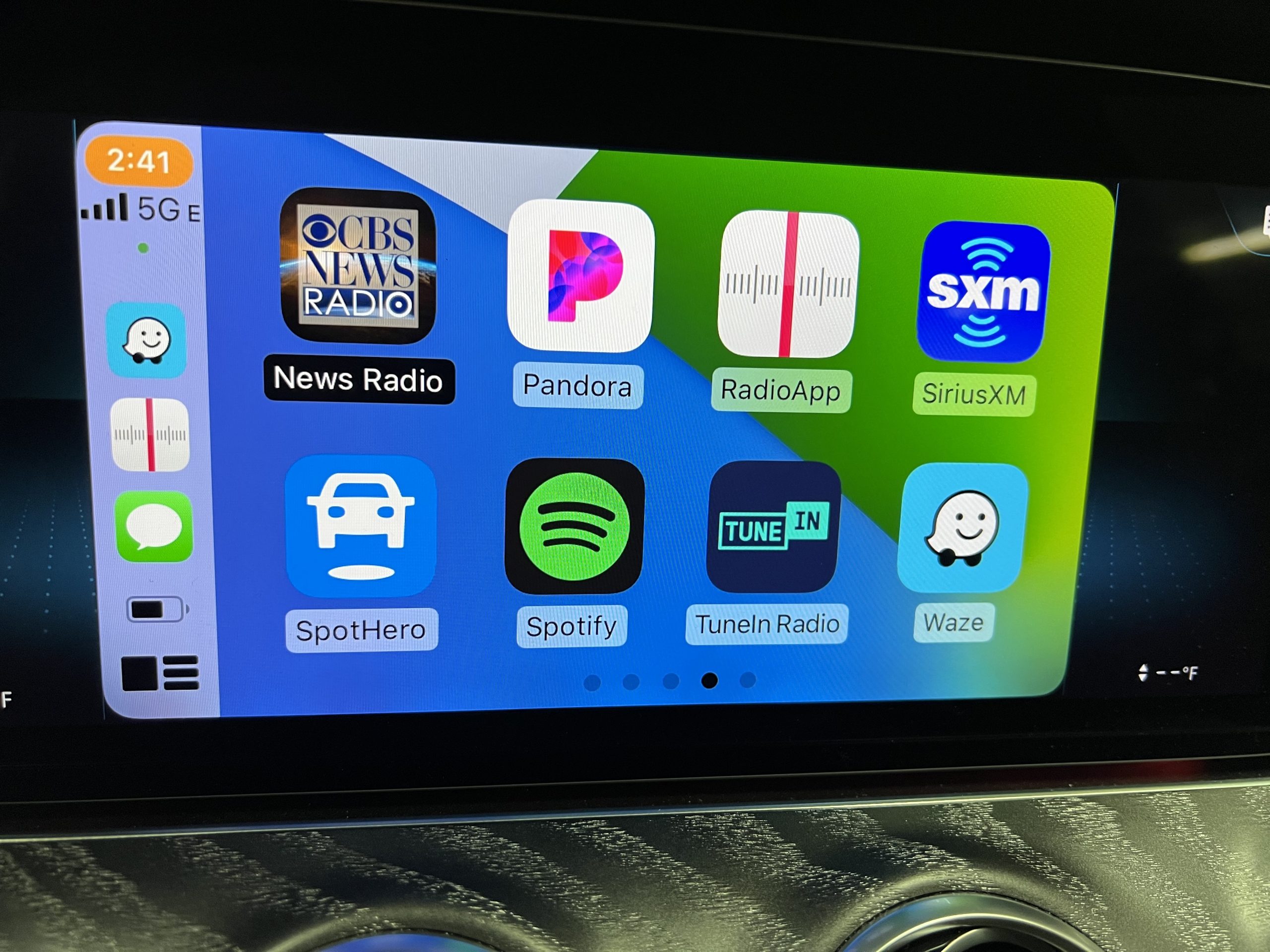
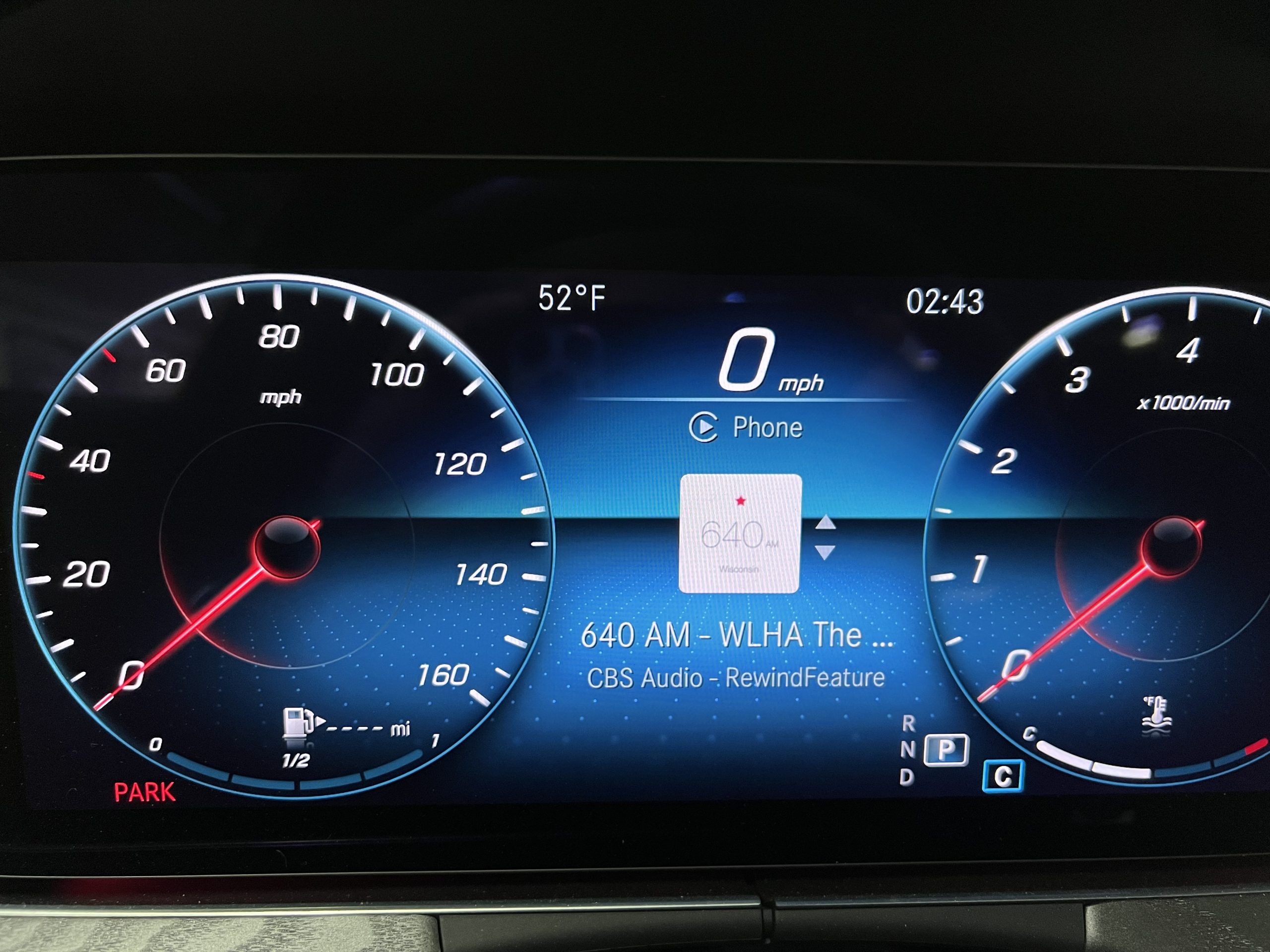
The tuning sound effects are especially great. RadioApp also has a nice CarPlay display.
There’s even an auxiliary display on the dashboard on some cars.
You can find RadioApp in the App store. And stay tuned for an update on the CarPlay enabled WLHA app.
]]>
This space has lost a lot of ground to Alexa devices but if you are looking for a very classic table radio with fantastic audio quality on which to listen to WLHA we can recommend the line from Como Audio including the Solo shown here.
It has a nice display for album art (or our logo) and shows now playing info. There is a way to integrate the Solo with an Alexa Echo, but you probably just want to save WLHA to that first button and leave it at that. You can see the full Como Audio line here.
The product is a little pricey but it seems to be a passion project from Tom DeVesto who is a member of the Audio Hall of Fame. He explains his philosophy here. If you are looking for a holiday gift for the WLHA fan who has everything this might be the way to go.
]]>This is courtesy of a free third-party app called Radio.net. You can download it from the app store in your Apple TV
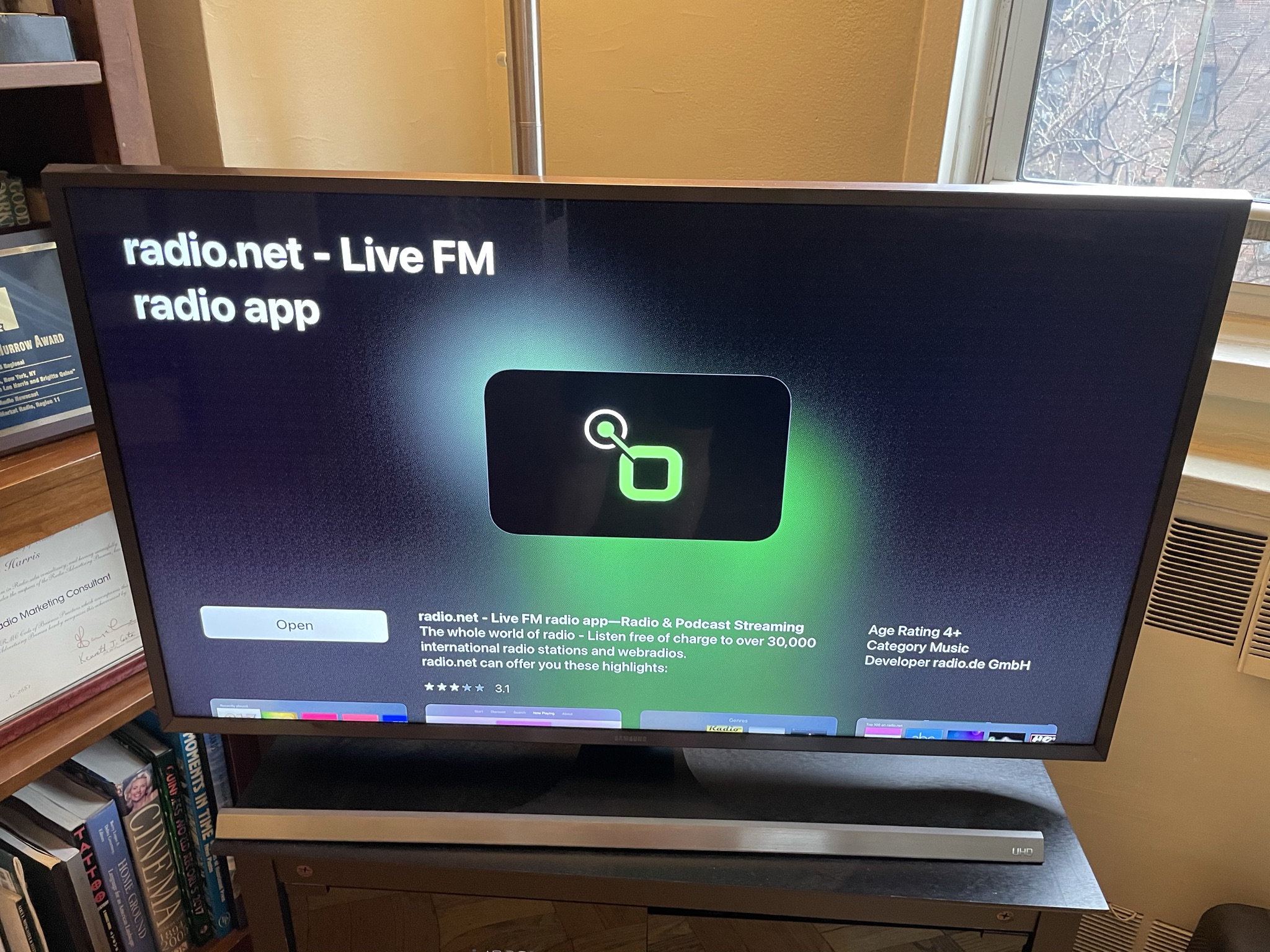
Once you’ve got it installed all you need do is search for WLHA:

There we are right next to WLHC whatever the heck that is.
Oh, Radio.net also has an Android app that works on Android TV platforms like Firestick and FireCube. Its a little different:
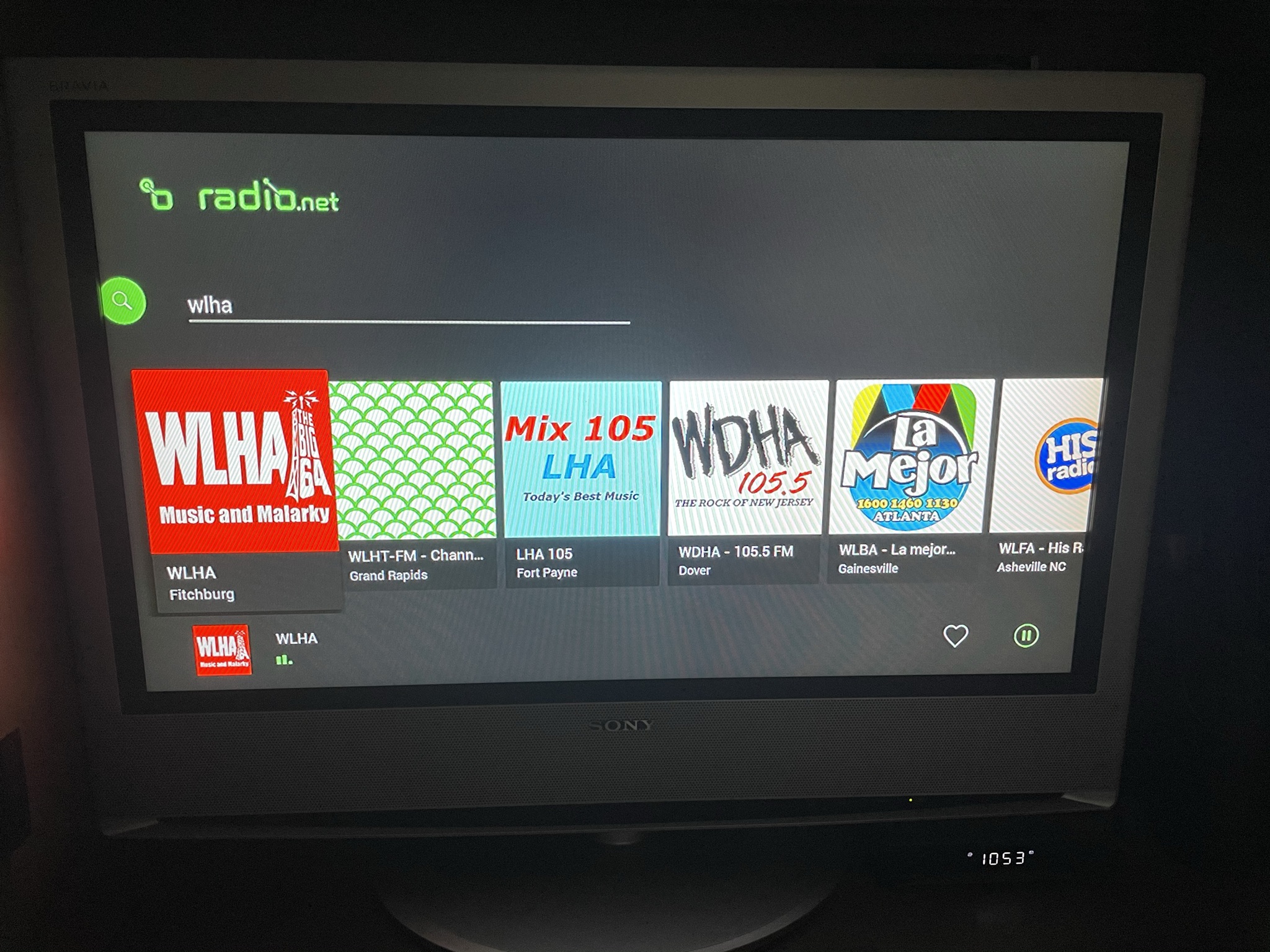
It doesn’t seem to display the now playing metadata. Also, our legal department may need to have a word with “Mix 105 LHA”. Seems like an infringement.
We are now considering a better designed WLHA specific TVoS app that would incorporate more station information and also accommodate our occasional video productions.
]]>